
 Download for macOS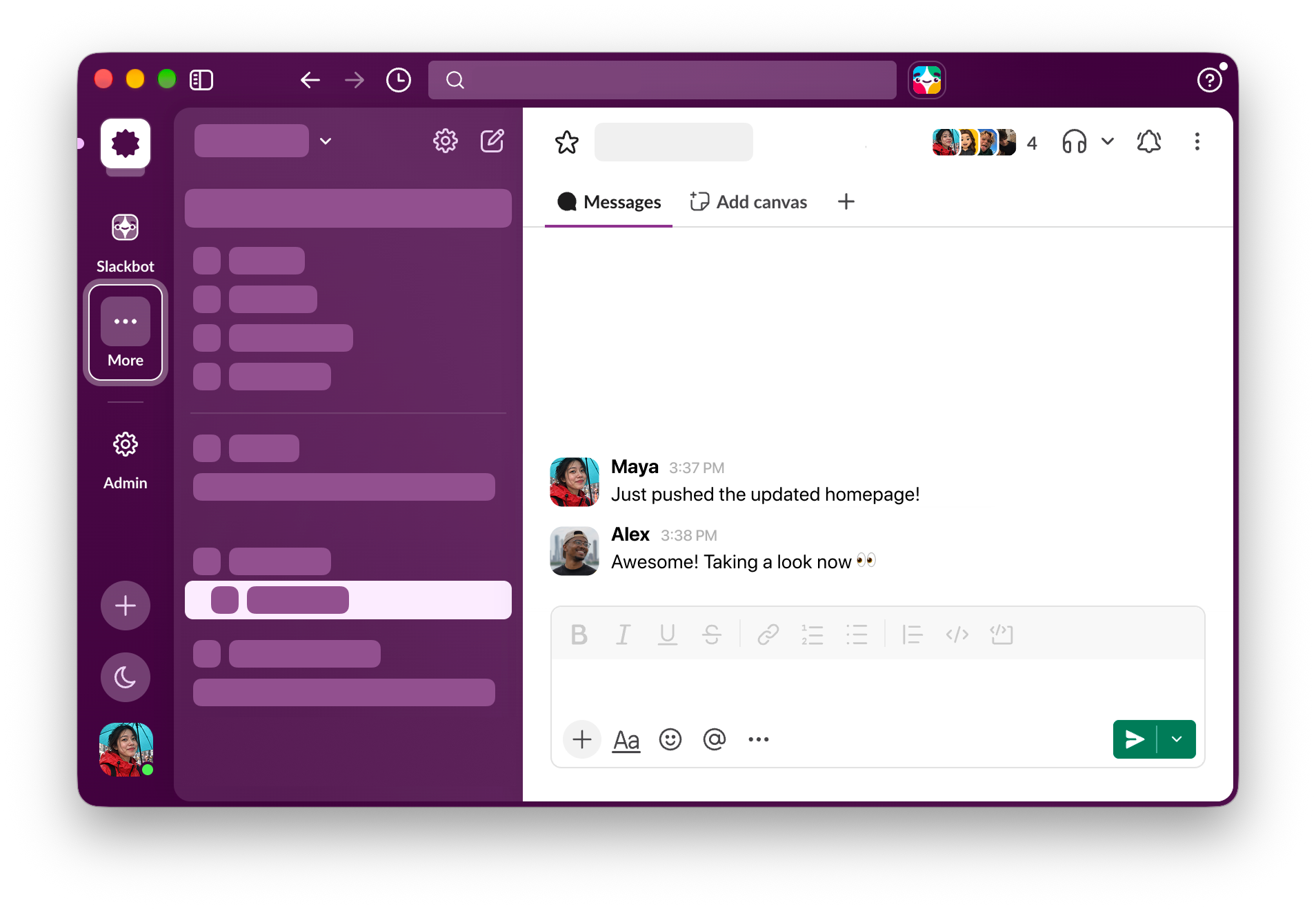
The usual ones, ready to pick. With Mowji the first thing you see are your Favorites. Use the arrow keys to move and Return to insert.
The native emoji picker for Mac
Type :smile. Choose 😄. Keep typing.
Works across all
your favorite apps

Mowji in Slack: type :smile, choose 😊, and keep typing. Select the current app to replay.
Your favorites, right at hand.
Usually, it’s the usual suspects.
:yay
Keep typing to search. Type a word to find something beyond your favorites.
Set up your Favorites in Settings. Save up to 30 in Settings and drag to put them in the order you like.
Learns what you use. Mowji learns from the emoji you use, making everyday searches feel more familiar over time.
:think
Found a keeper? Add it to Favorites right from the picker.
Powerful search that feels curated.
Find that emoji, even if you don’t know what it’s called.
:rokcet
Typo? No problem, keep going.
:mindblown
Start with the word in your head. Search with a word that makes sense to you, even if you don’t know the emoji’s exact name.
Combine words to find that specific one you’re looking for. Search the way you think about the emoji.
Got your own word for it? If Mowji’s search doesn’t show the one you’re looking for, give it an alias you’ll remember.
No AI needed. Find and insert emoji even offline. Searches are processed on your Mac. Save your tokens for the real work.
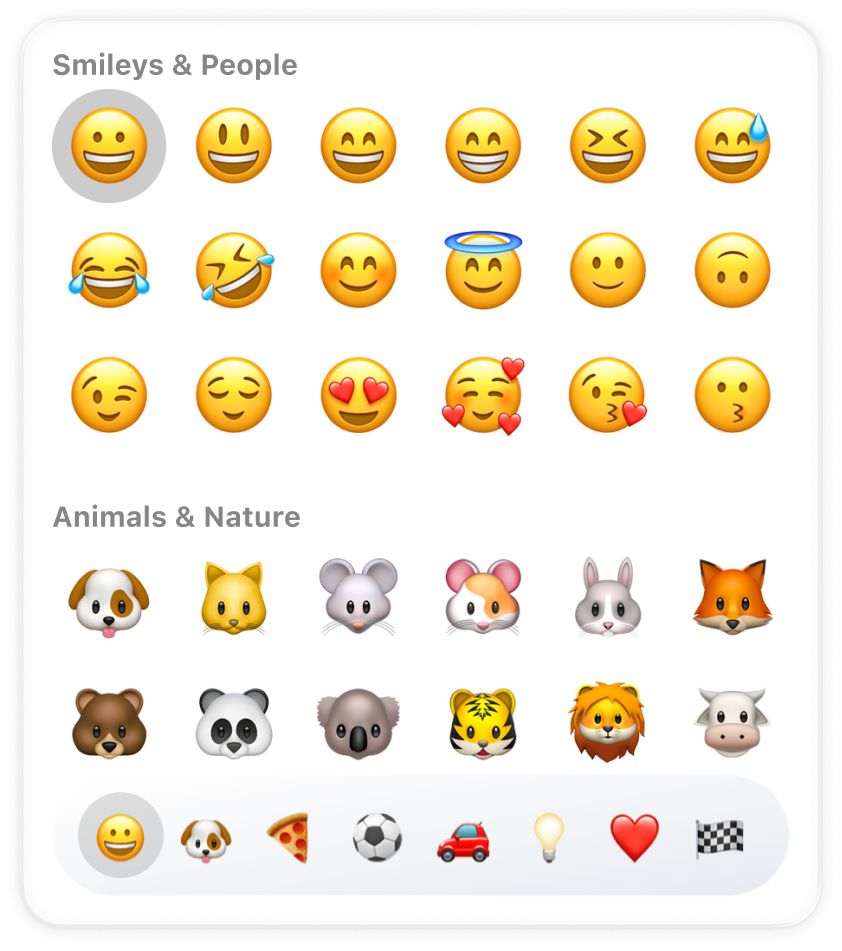
Full browser. Expand to the full emoji browser when you need to dig deeper.
Tune it to your liking.
Your apps. Your words. Your emoji picker.
Choose your trigger. Use the familiar colon, or choose another character that fits the way you type.
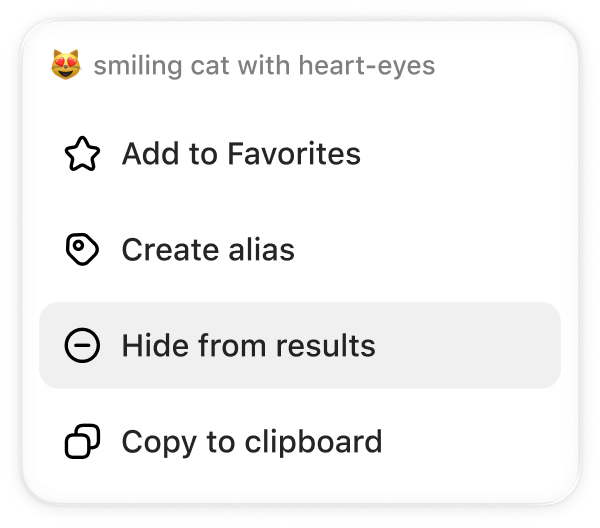
The one you’ll never pick. Just hide it and it’s gone for good.
Set up your own aliases. Create shortcuts to emojis with the words that you want.
Choose your preferred skin tone. Mowji applies it to all supported emoji.
Buy it once.
Yours forever.

 Mowji
MowjiRegular price $8. Launch price $5 USD.
One-time purchase
First 100 licenses. Then $8.
- All Mowji features
- Buy once. Updates included.
- No account. No subscription.
- Use on up to 3 devices
Try 150 emoji insertions for free.
macOS 15+ required.