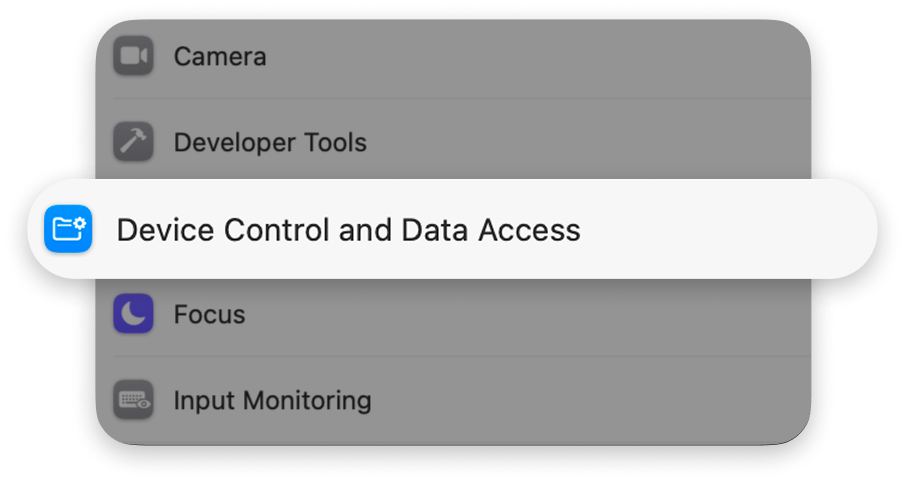
You can revoke it at any time in System Settings, and pause the picker in individual apps with App Exclusions.
Your privacy, at a glance
What Mowji does
Detect your trigger and read text from your field to find your search query
Process searches on your Mac
Store your preferences, favorites, aliases, and usage on your Mac
Stop the picker and keyboard monitoring when you quit
If you allow it, send crash reports and errors
What Mowji doesn’t do
Send your searches to the cloud for processing
Use AI to find emoji
Open the picker in password or other fields macOS marks as secure
Keep the picker or keyboard monitoring running after you quit
Share your Debug Log or recent searches unless you choose to attach them
A few more questions? We’ve got a few more answers.
Yes. The macOS permission lets Mowji receive keyboard events and read text from the field you’re using to detect your trigger and search query. This happens locally; typed text and searches aren’t sent automatically.
Finding and inserting emoji works offline, without AI. Mowji goes online to check for updates, send crash reports and errors when allowed, or deliver feedback you submit.
Yes. Add an app to App Exclusions in Settings, and Mowji won’t open the picker there. You can change the list at any time.
Mowji won’t start an emoji session in fields macOS identifies as secure, such as password fields. This depends on the app marking its fields correctly.
Your message and optional email, along with app and macOS version details. Screenshots and Debug Info are optional. Recent searches are included only if you make a separate choice to attach them.
Quitting stops the picker and keyboard monitoring. No separate service keeps them running. The updater uses temporary helpers to download and install updates, including an installation you’ve allowed to finish when you quit. Launch at Login is optional.
Yes, a local Debug Log is kept for up to seven days. You can clear it from the Debug Info sheet. It’s shared only if you choose to include it with feedback.
Yes, in System Settings. The picker needs that permission to work. Removing it doesn’t delete your settings, Favorites, Aliases, or usage history.